Waitlist is open
Make photos move
Upload a still. Choose the motion. Get a short video in your original look.
 StillMotion
Drag to compare. Sample footage shown until imgmov results are available.
What you can make
Early access is open for photo to video
Join the waitlist and be first to animate your own photos with imgmov.
Be first
in line
imgmov opens through a waitlist. Join it and we email you the day you can try your own photo.
Join the waitlist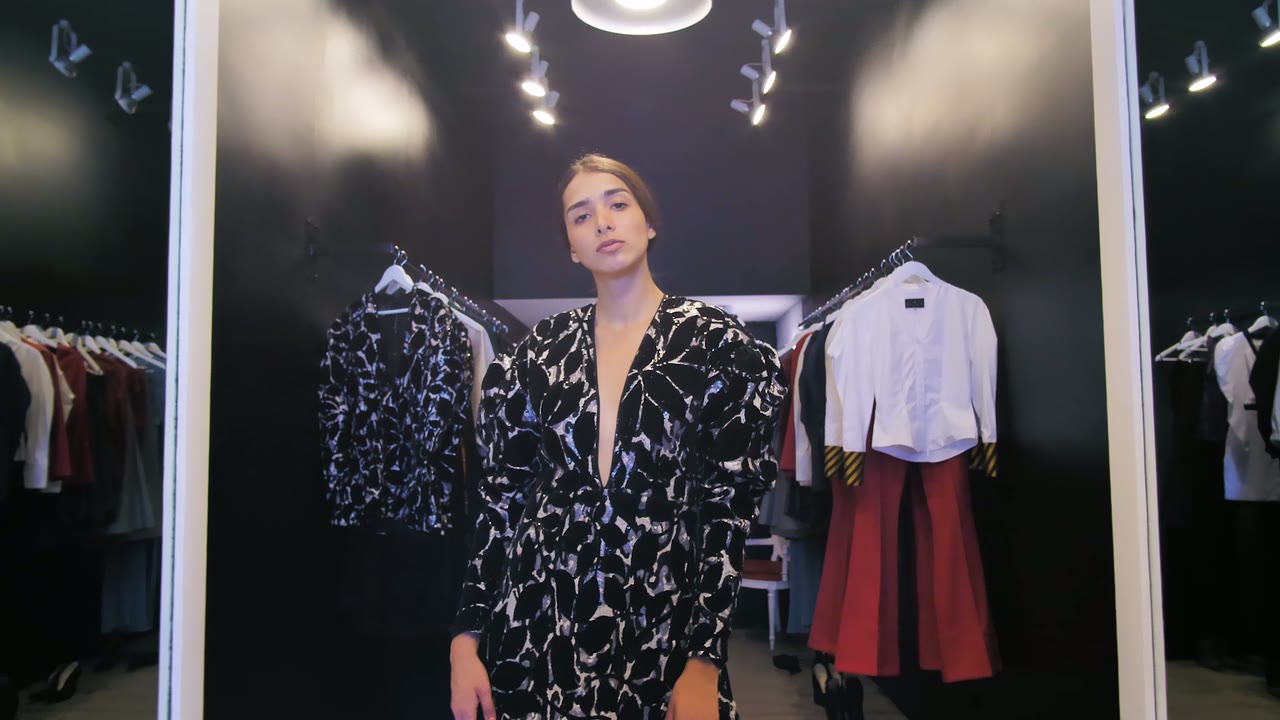 CorePhoto to videoOne still in, one clip out
 AdsProduct photo to videoCamera moves for a packshot
- MemoriesAnimate old photosSlow moves for a scanned print
 8 presetsMotion presetsPick a camera move or a mood
 CopyPrompt libraryCopy a sentence, reuse it
 Works nowPhoto to MP4Save a camera-move clip in 9:16, 1:1 or 16:9
 Works nowKen Burns effectDirection, zoom and speed on your photo
 Works nowPhoto slideshow makerUp to 12 photos in one MP4
Motion presets
Pick a camera move, watch the sentence behind it, then try it on your own photo.
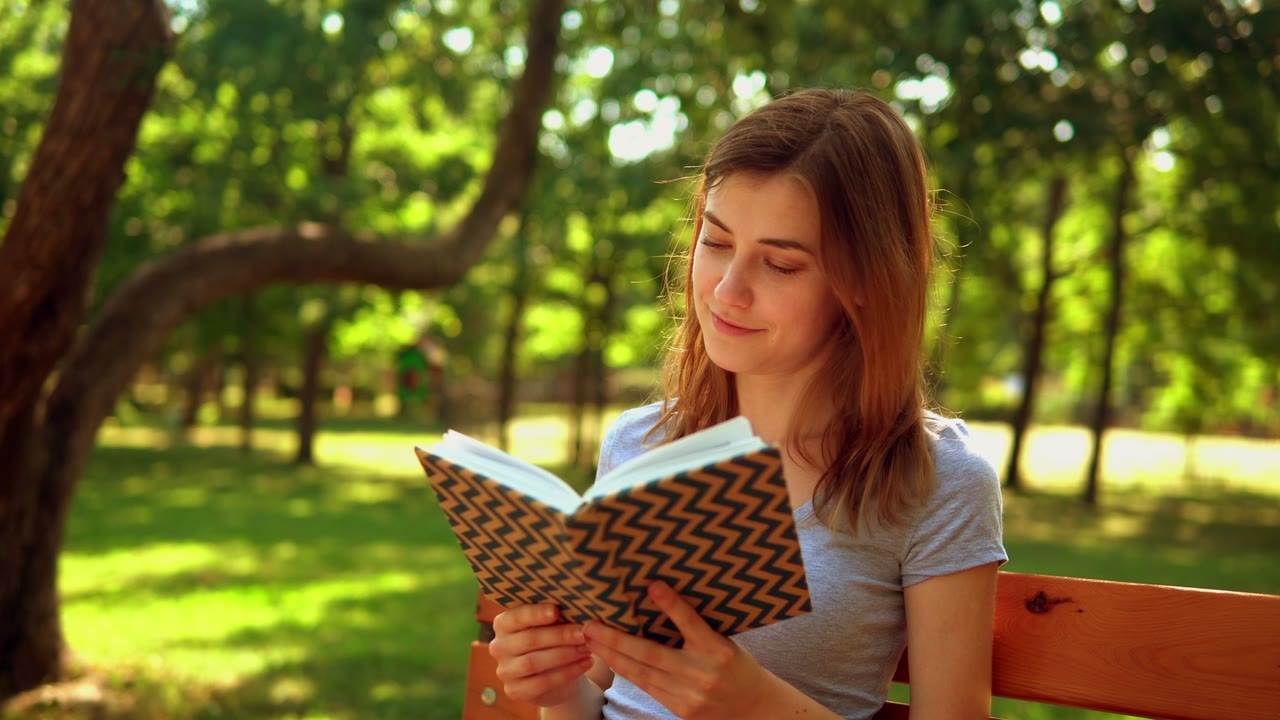
Slow push-in on her face, pages turning, leaves shifting in the background.
About Slow push-inStill in. Motion out.
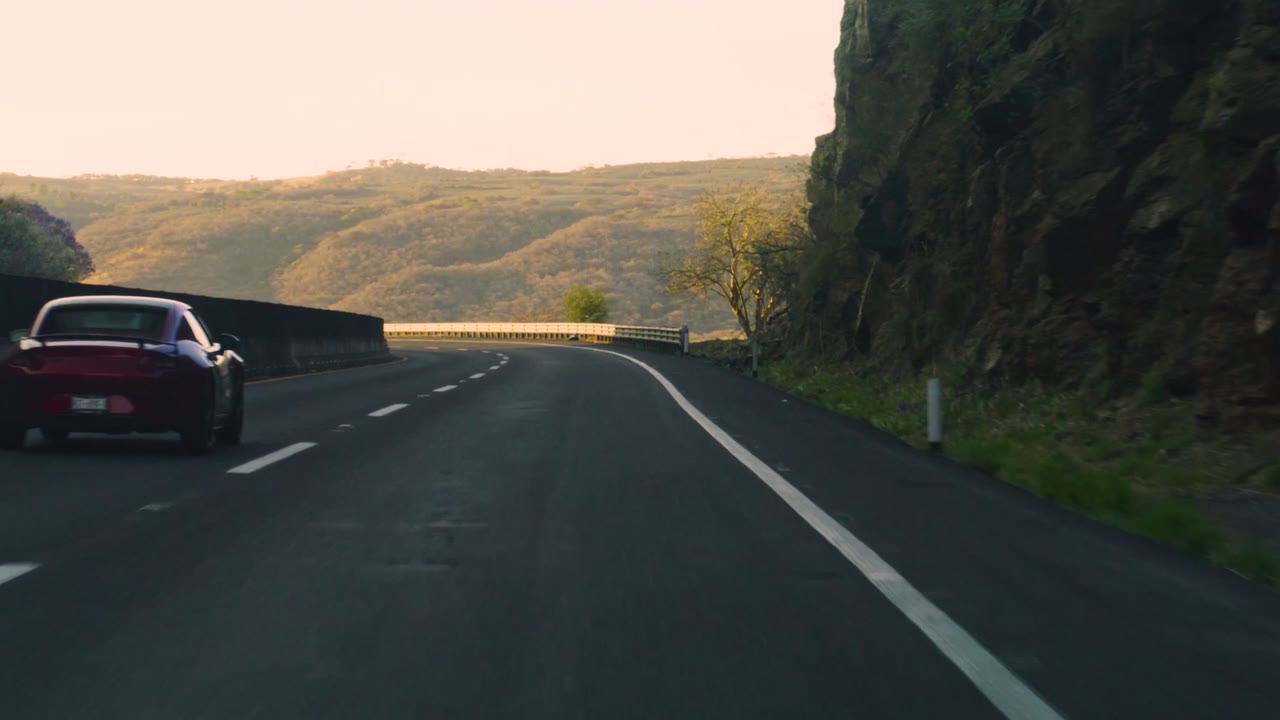
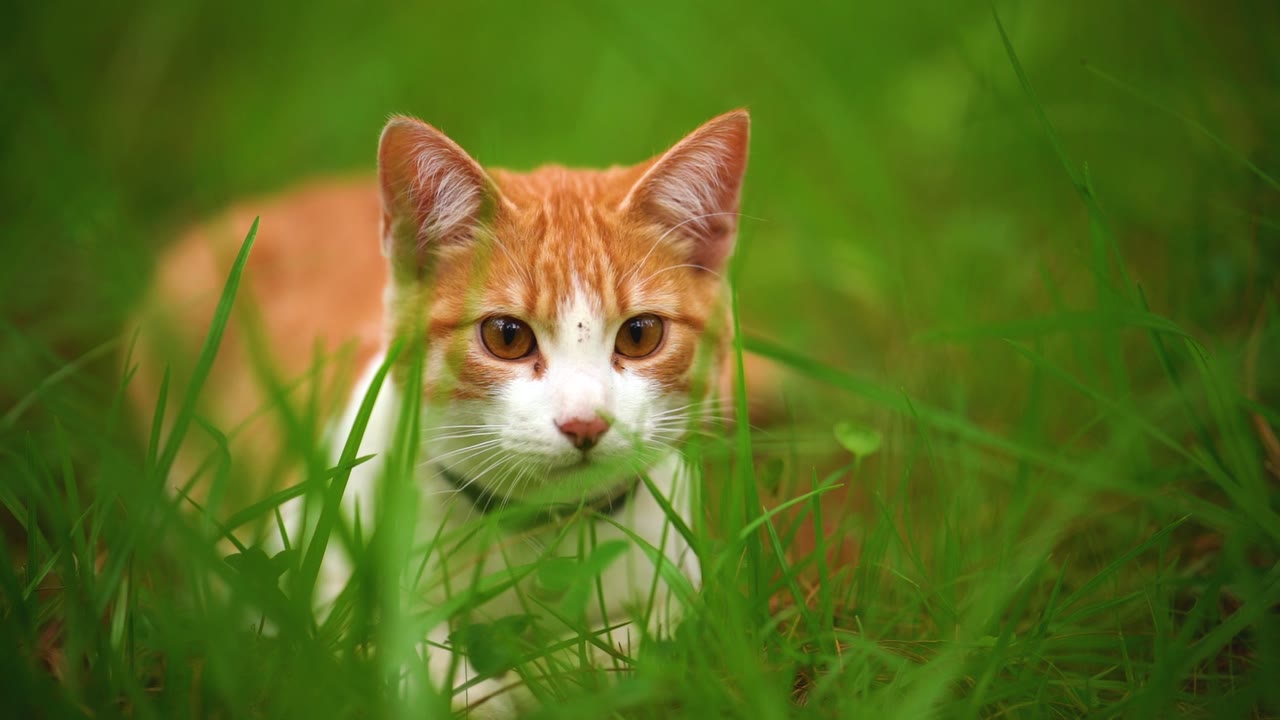
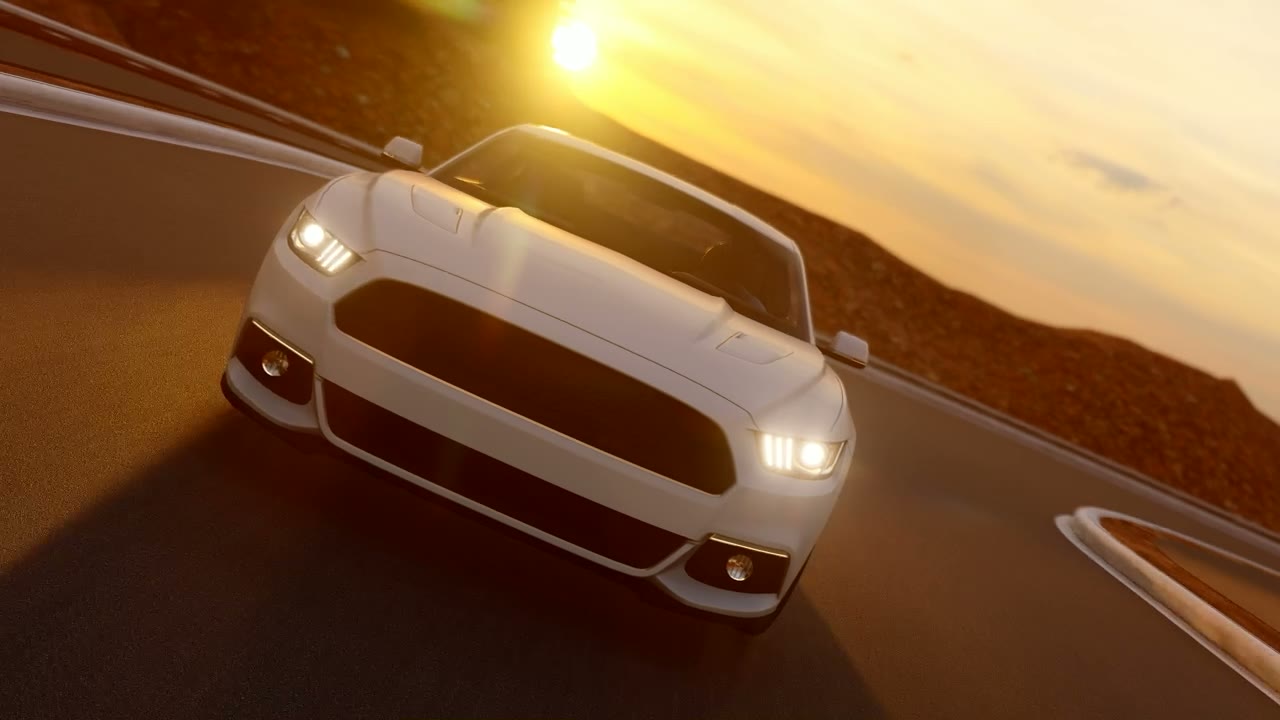
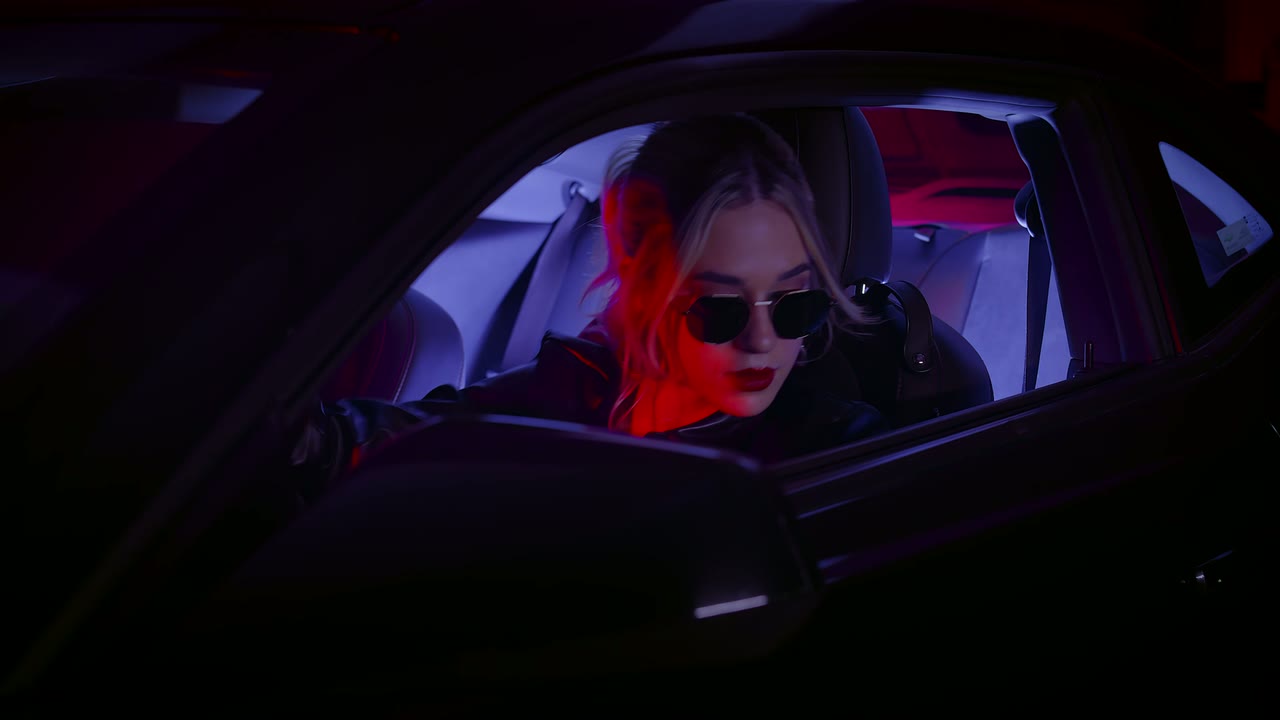
Every card pairs a still with the clip it becomes. Sample footage stands in until imgmov results are live.
- Portrait
- Product
- Pets
- Automotive
- Portrait
- Food

- Cinematic
- Memories
- Landscape
- Fashion
- Lifestyle
- Travel
Explore use cases
Jobs a moving photo can do.
Launch a product ad from one packshot
Ecommerce9:16
Make a portrait blink, smile and breathe
PortraitLoop
Turn a favourite couple photo into a moving memory
MemoriesCouples
Bring a landscape still to life
Landscape16:9
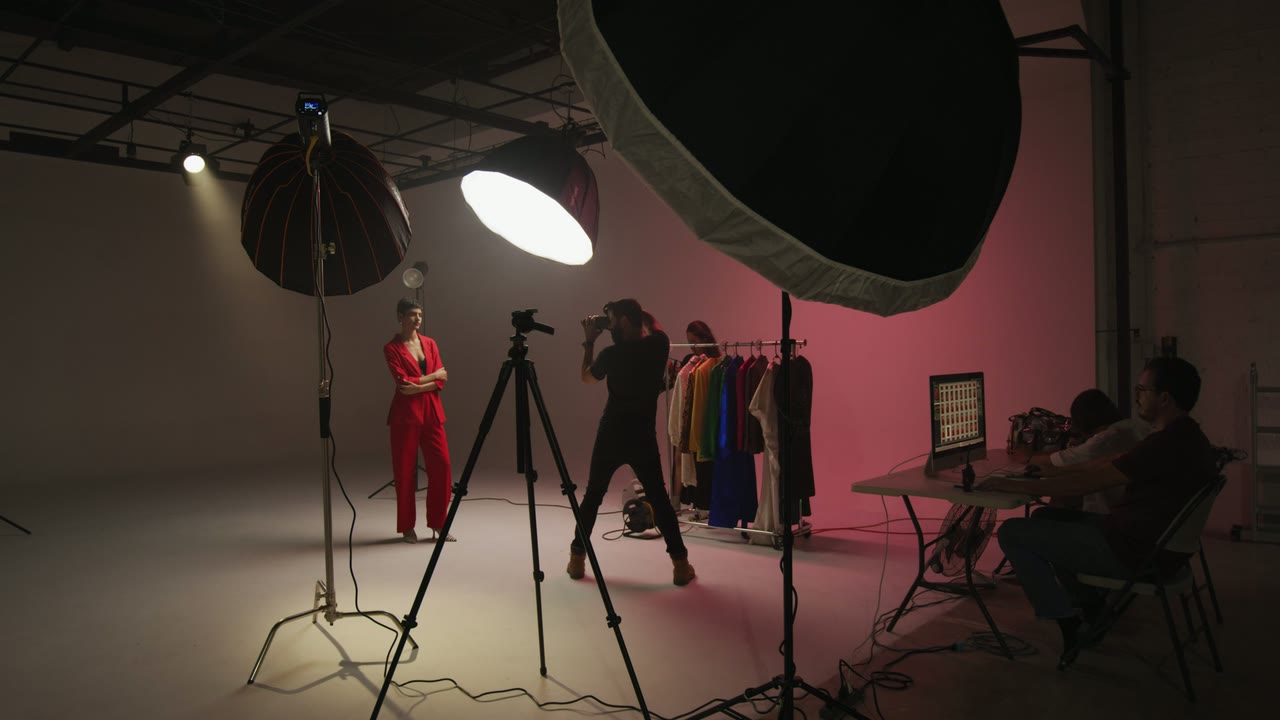
Animate a behind-the-scenes shoot frame
FashionCamera move
Add rising steam to a coffee shot
FoodSocial
Turn pet photos into shareable clips
PetsFun
Put a breeze into a lifestyle shot
LifestyleLoop
Every feed.
Every ratio.
imgmov is built around vertical, square and wide clips, so one photo can fill a Reel, a feed post and a landing page.
- Reels
9:16Reels and Shorts
- Feed
1:1Feed posts
- Web
16:9Wide and web
Prompts worth copying
Example sentences for each kind of photo, written to match the clip beside them. One tap copies one to keep for launch day.
Fruit bowl reveal
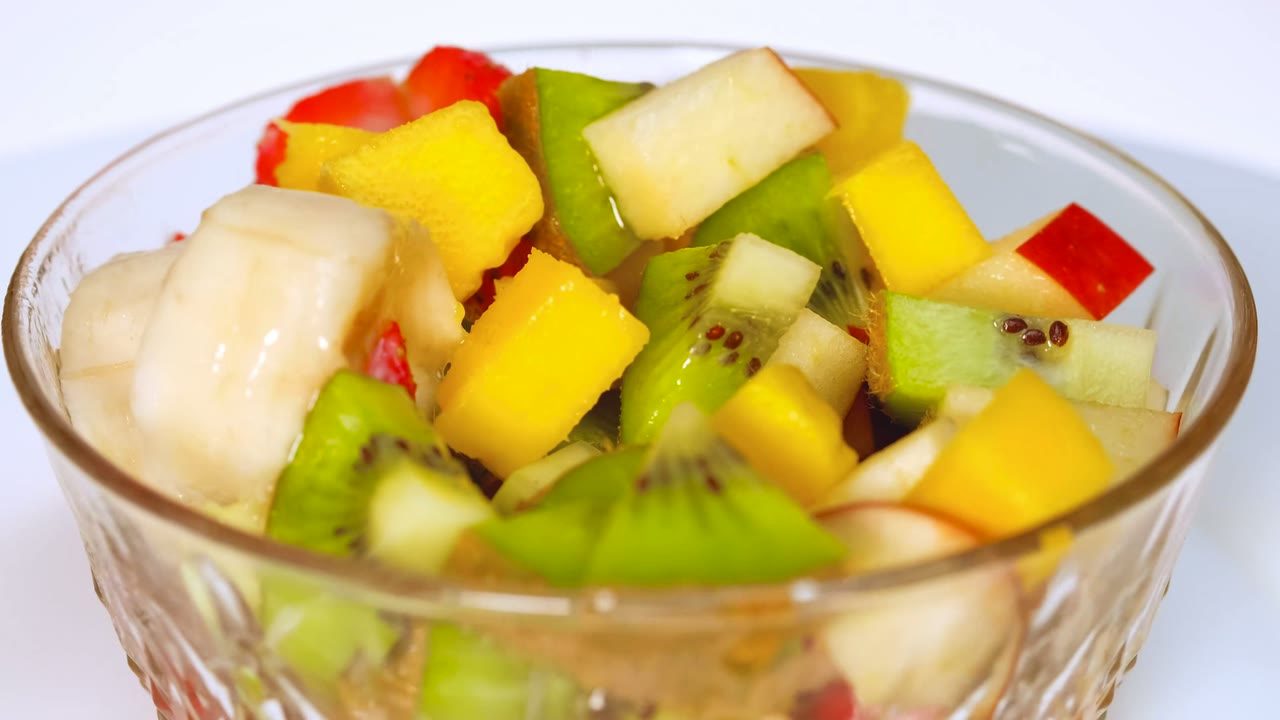
Reveal zoom-out“Slow zoom-out from the rim of the bowl, soft studio light sweeping across the glass and fruit.”
Garden portrait
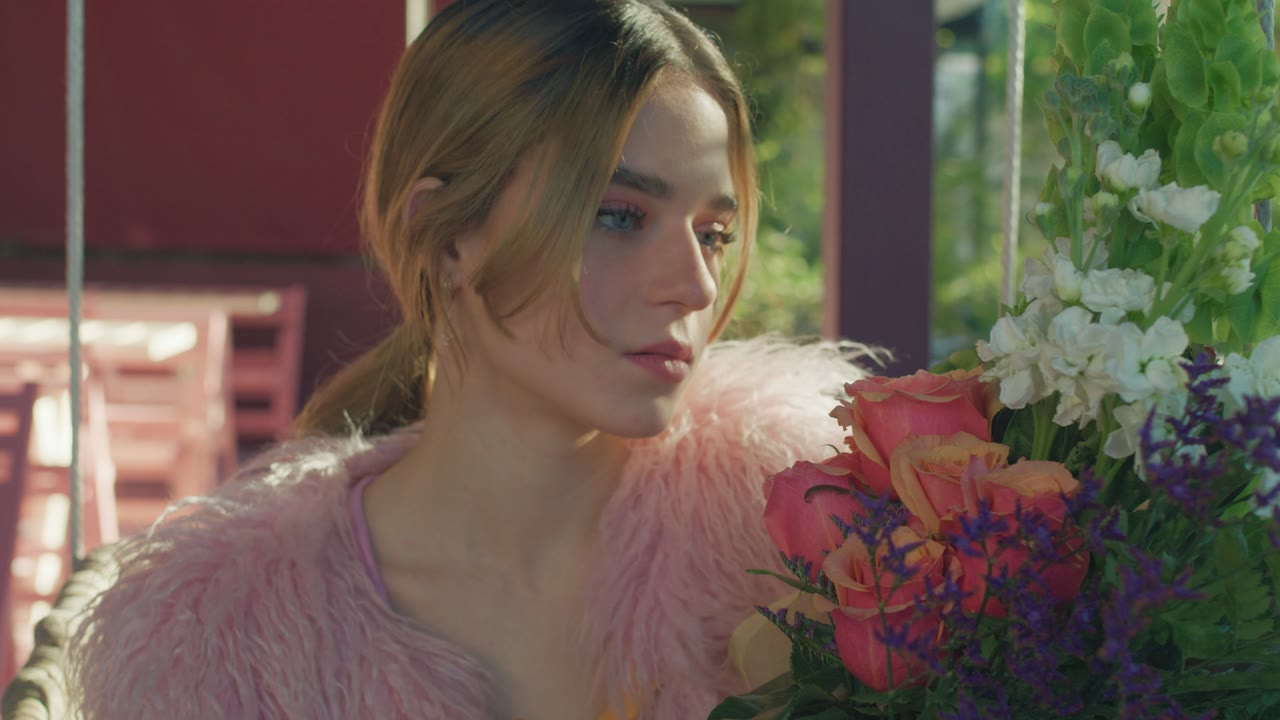
Wind and hair“Light breeze in her hair, a slow blink, petals trembling, the camera drifts a few centimetres closer.”
Couple on a walk
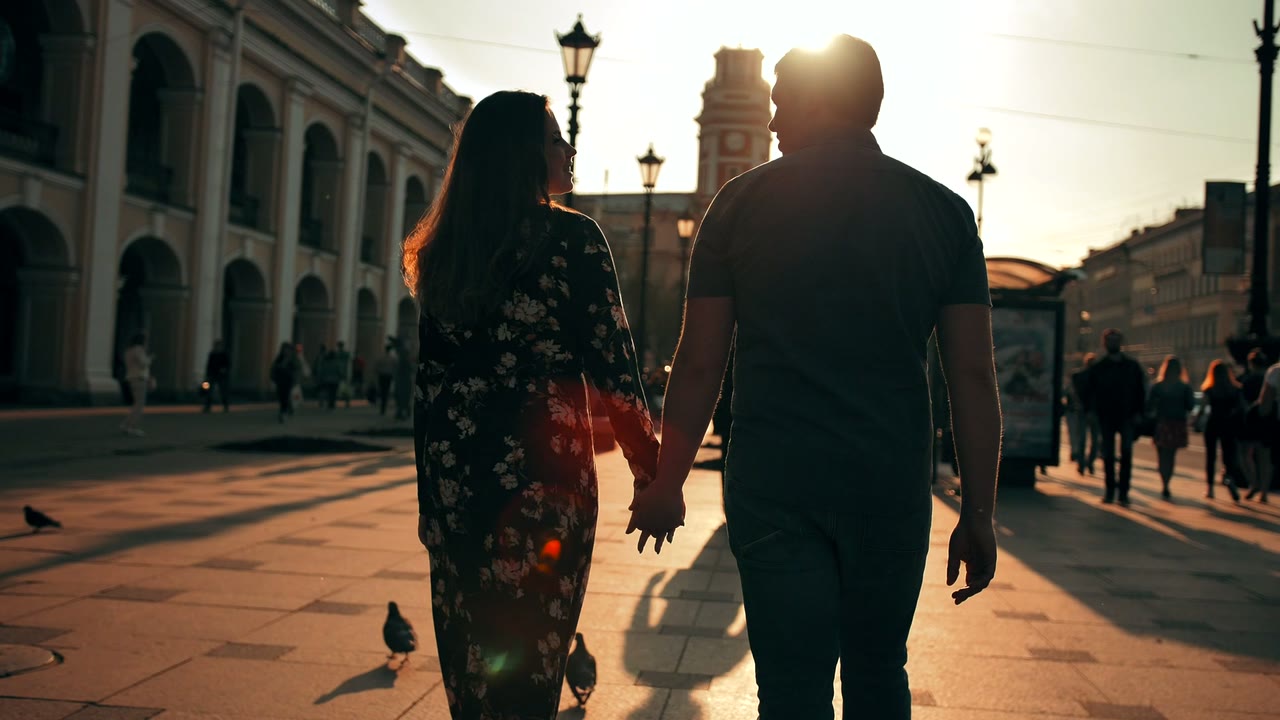
Slow push-in“Keep their silhouettes natural, gentle push-in, warm evening light, people walking behind.”
Sunflower field
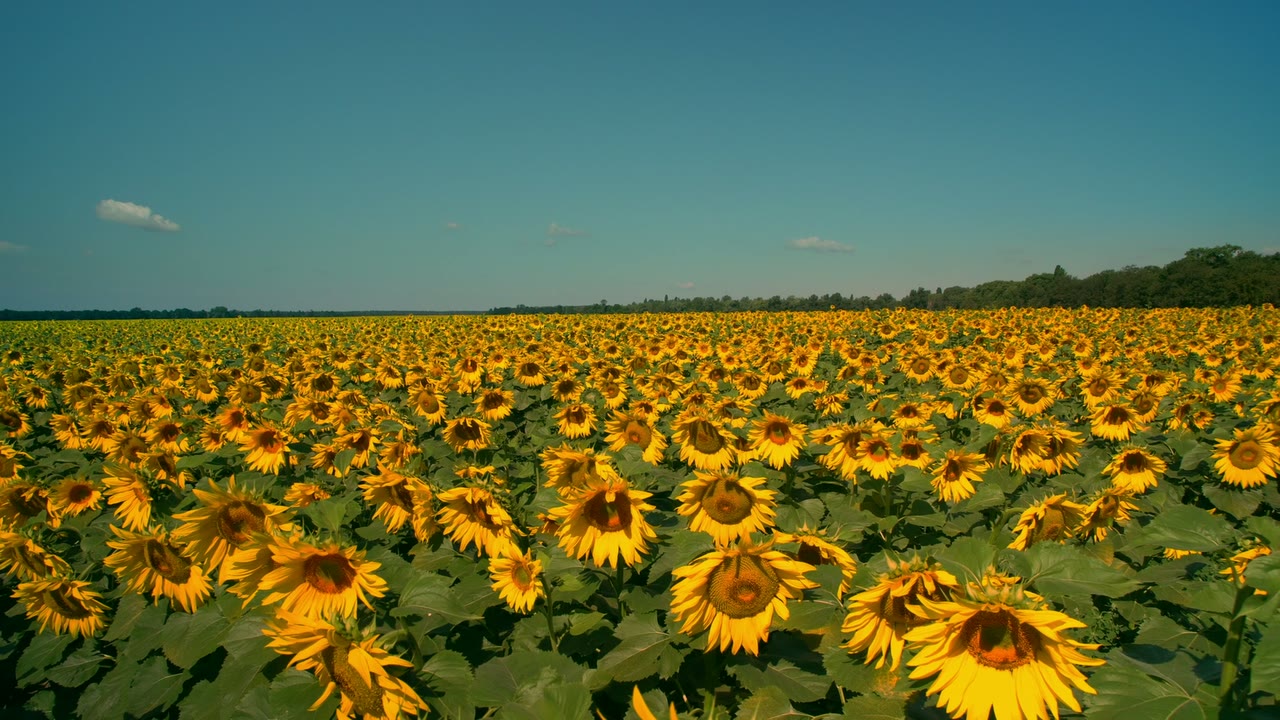
Parallax drift“Sunflowers sway in the wind, clouds drift across a deep blue sky, parallax drift to the left.”
Studio set
Side slide“Slide along the set at waist height, softbox light flaring, the crew moving in the background.”
Morning coffee
Handheld“Steam curls up from the cup, coffee beans glint, a slow handheld push toward the rim.”
- 01
Upload a photo
A product shot, a portrait or an old print.
- 02
Choose the motion
Pick a preset or describe the movement in a sentence.
- 03
Download the video
Get a short clip you can post, send or drop into an edit. The camera-move version saves today on the Photo to MP4 page.
Questions
Is imgmov available yet?+
imgmov is opening through a waitlist first. Join it and we will email you when you can try it.
What is imgmov?+
imgmov (sometimes written img mov) is built to turn a still image into a short AI video: upload a photo, choose or describe the motion, and download the result. The camera-move half already works: pick a photo and save an MP4 on the Photo to MP4 page.
How do I turn a photo into a video?+
The flow is: upload a photo, pick a motion preset or write a short prompt such as slow push-in with soft wind, then generate the clip.
Can I make a video from a product photo?+
That is the main use case imgmov is built for: adding a camera move, a reveal or light movement to a single packshot for ads, listings and social posts.
Do I need to write a prompt?+
Not required. imgmov is designed around motion presets for common camera moves, with an optional prompt for finer control.
Can I animate old or family photos?+
That is one of the jobs imgmov is built for: a scanned print or archive photo as the starting image, turned into a short moving memory.
Your next video is already a photo
Join the waitlist and be first to animate your own photos with imgmov.
Join the waitlistLeave your email. We write on launch day.